Editing Artwork
Full support for multiple album covers, cover types, and descriptions in your audio files.
Metadatics includes full support for multiple album covers, album cover types, and album cover descriptions.
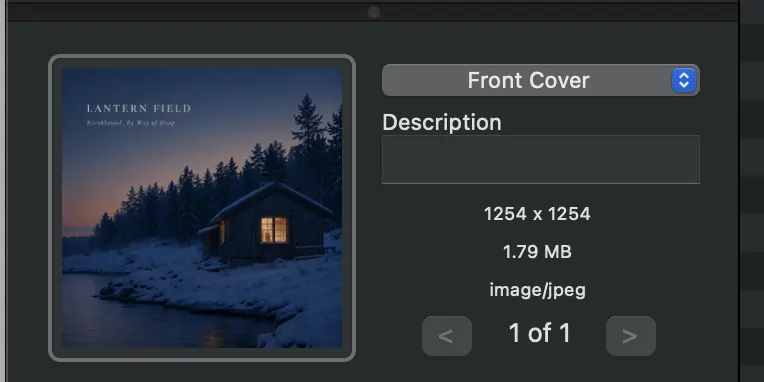
The main way of working with album covers is the Album Artwork Editor found at the bottom of the left pane of the main window. The box displays the artwork for the selected files. Drag image files from the Finder onto this box to set the artwork on the selected files. A drop-down menu lets you select the image type, and there is a text box for a description. You can also paste image data or a URL from the clipboard.
If a file has multiple images, scroll through them using the selector at the bottom right of the Album Artwork Editor. When you try to add an image to a file that already has artwork, Metadatics asks whether you want to add the new image alongside the existing one or replace it.
You can also search for album artwork online using the Album Artwork Search feature, or convert and resize artwork using Resize Artwork.
Still need help? Email [email protected] or send a message.