
Using Pro Audio Converter as a Tag Editor
Update tags on existing files without converting them. Ideal for quick metadata cleanups.
Although Pro Audio Converter's primary function is to convert between audio file formats, you can also use it as a metadata tag editor. If you have files you do not wish to convert but only want to edit their metadata, follow these three steps.
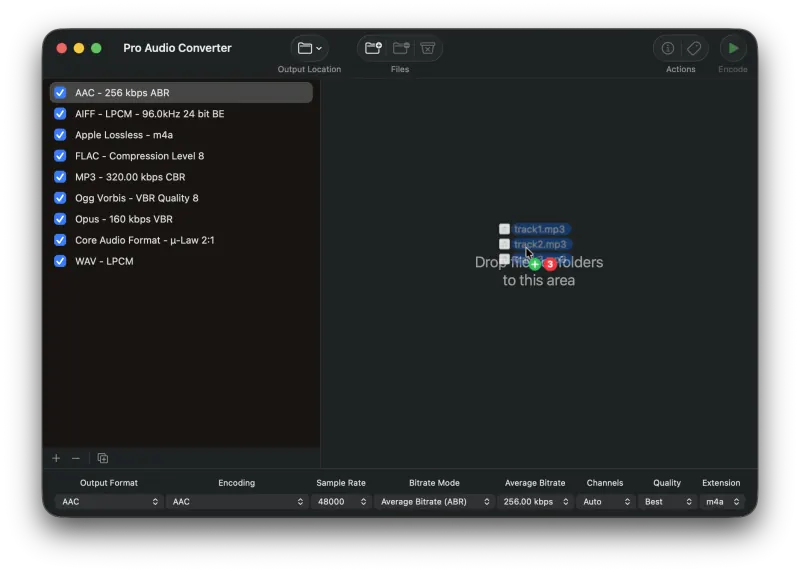
1) Add Files to the Queue
Drag your source audio files onto Pro Audio Converter to add them to the queue. Files can also be added using several other methods.
2) Edit the Metadata
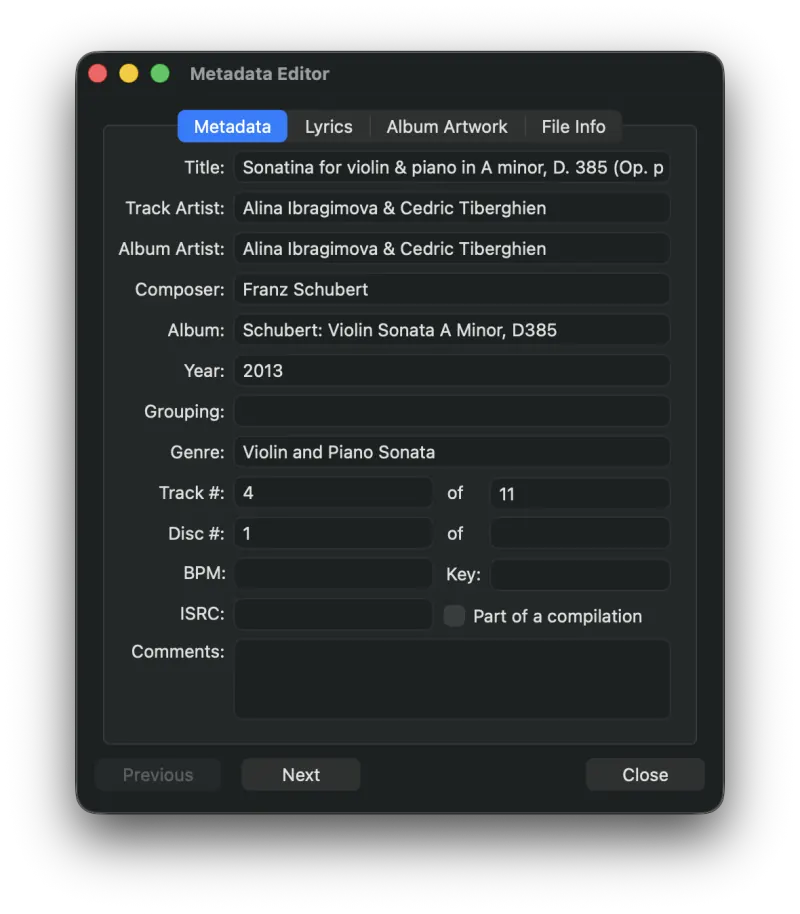
Press the Metadata button to bring up the Metadata Editor and enter or edit the info for each file.
3) Press and Hold the Encode Button
Hold the Encode button until a popup menu appears, then highlight the Write Metadata entry and release the mouse to start the update process.
Still need help? Email [email protected] or send a message.