Error Log Window
Review, save, or email any encoding errors that occurred during a batch.
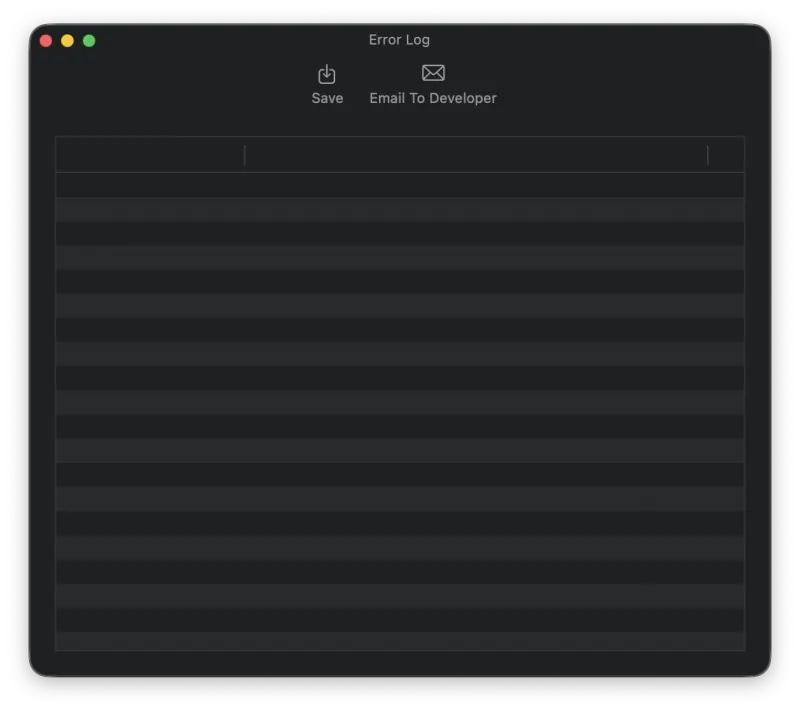
When an error occurs during encoding and Pro Audio Converter is not able to produce an output file, the error gets logged to the Error Log window. The Error Log window is displayed when all encoding operations are complete. You can also save the error log to a file or email the error log to the developer.
Tip: If you run into a repeating error, emailing the log to the developer is the fastest way to get it fixed, and it helps resolve issues and improve future versions of Pro Audio Converter.
Still need help? Email [email protected] or send a message.