
Using MP3 Encoder as a Tag Editor
Update metadata on existing MP3s without re-encoding.
Although MP3 Encoder's primary job is to convert audio files to MP3, it can also edit metadata tags on existing MP3 files. To do so, follow these simple steps:
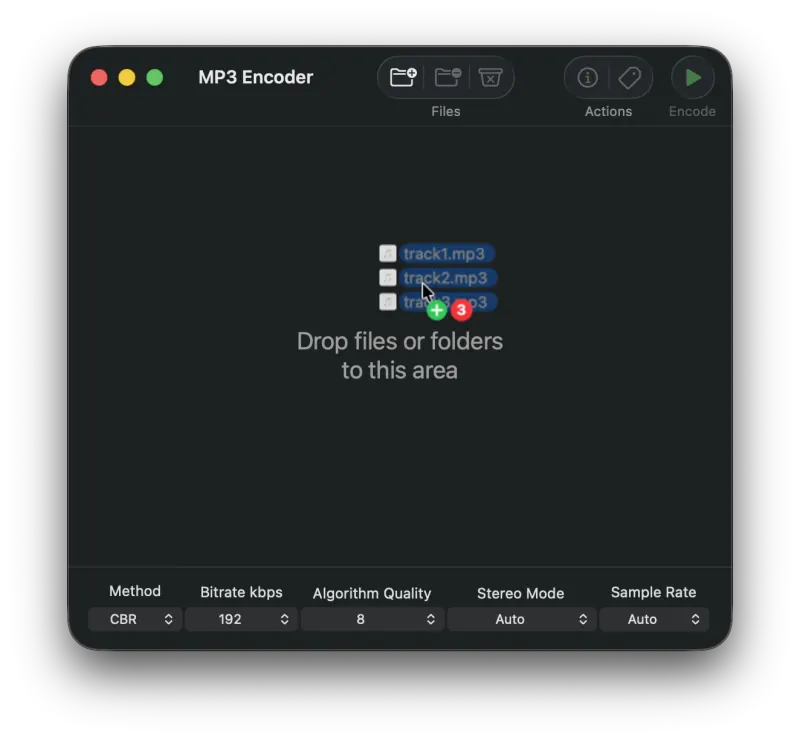
1. Add Files to the Queue
Drag MP3 files onto MP3 Encoder to add them to the queue. Files can also be added using a number of different methods.
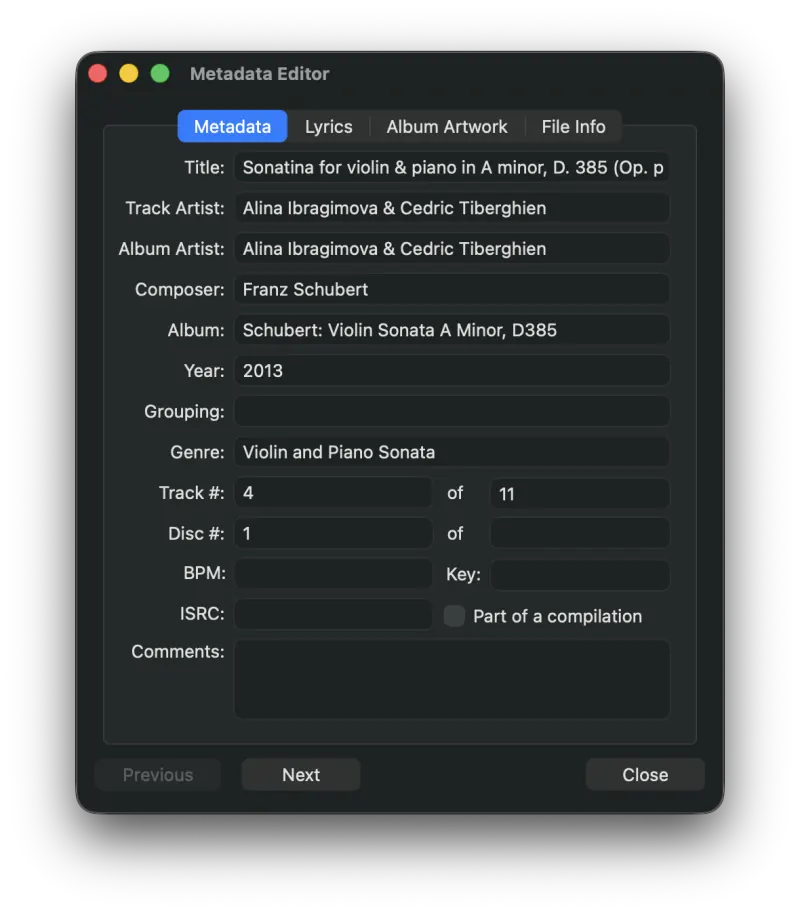
2. Edit the Metadata
Press the Metadata button to bring up the Metadata Editor and enter or edit the info for each file.
3) Press and Hold the Encode Button
Hold the Encode button until a popup menu appears, then highlight the Write Metadata entry and release the mouse to start the update process.
Tip: Write Metadata can also be added to the toolbar as its own button. Option-click the toolbar and choose Customize Toolbar… to add it.
Still need help? Email [email protected] or send a message.