
Error Log Window
See which files failed to encode and why, and send the log to the developer.
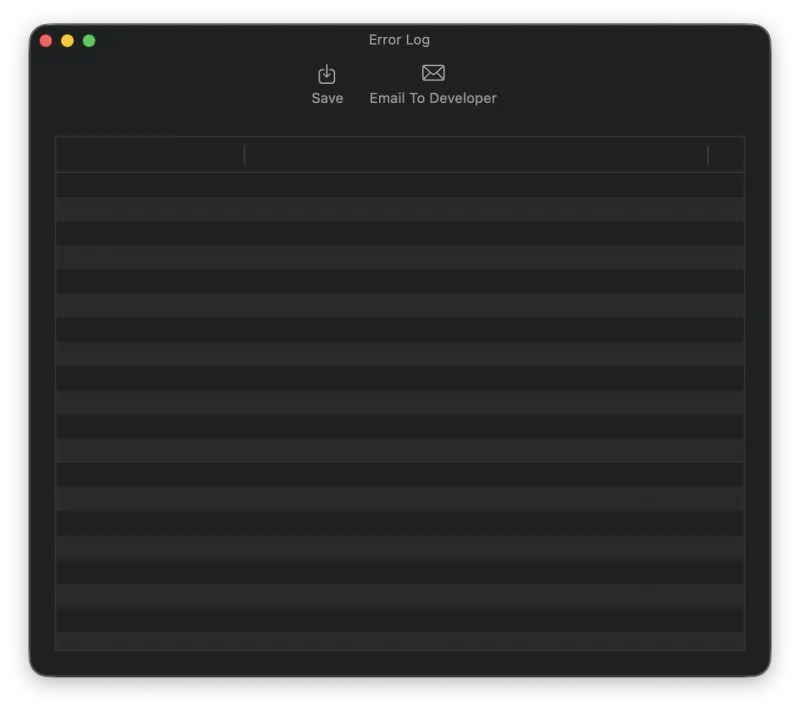
When an error occurs during encoding and MP3 Encoder is not able to produce an output file, the error is logged to the Error Log Window. By default the Error Log Window is displayed when all encoding operations are complete (you can also configure it to appear as soon as the first error occurs; see Settings).
You also have the option to save the error log to a file or email it directly to the developer. Emailing the error log is strongly encouraged, as it helps resolve issues and improves future versions of MP3 Encoder.
Still need help? Email [email protected] or send a message.