Lap Window
Record laps, delete the ones you don't want, and export the rest.
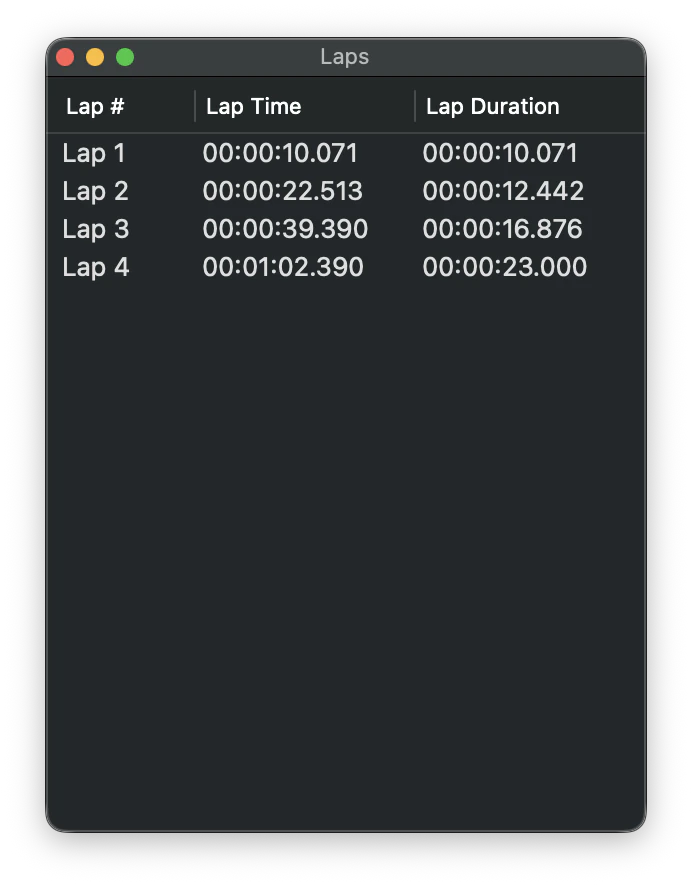
Laps are recorded in the lap window. You can delete a lap by highlighting it and pressing the Delete key.
Laps can be exported to either plain-text (.txt) or comma-separated values (.csv) files by selecting Save Lap Times (⌘S) from the File menu.
Laps can also be printed by selecting Print (⌘P) from the File menu.
The time format shown in the lap window matches the digital view. This format can be set in Settings.
Still need help? Email [email protected] or send a message.