Basic Operation
Start, stop, lap, and reset the timer from the toolbar, the Control menu, or a global keyboard shortcut.
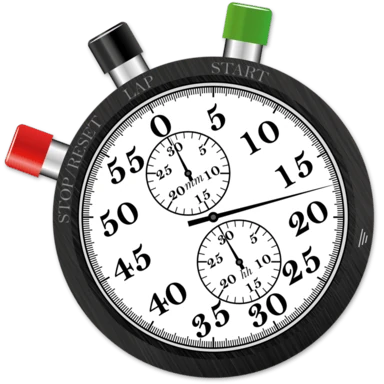
Stopwatch Pro offers all the basics of stopwatch operation on macOS. Each action can be assigned a global keyboard shortcut in Settings so you can start, stop, or lap the timer even when Stopwatch Pro isn't the foreground app. Actions can also be performed from the Control menu or by clicking the corresponding toolbar button.


|
Start / Stop - A single toolbar button that toggles the timer. It shows Start when the timer is paused and flips to Stop while it's running. |
 |
Lap - Records the current time in the lap log. |
 |
Reset - Resets the timer to zero and clears the lap log. |
A second toolbar button toggles the lap drawer:
 |
Toggle Lap Drawer - Shows or hides the lap drawer beneath the main window. |
Still need help? Email [email protected] or send a message.