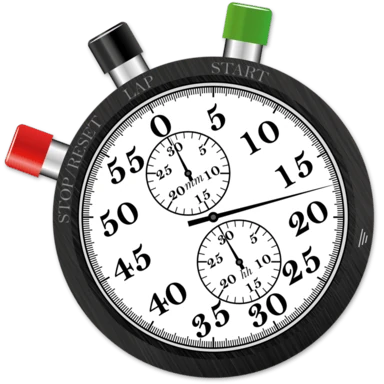
Digital View
A highly customizable digital readout. Resize it, restyle it, and pick the time format that fits your workflow.
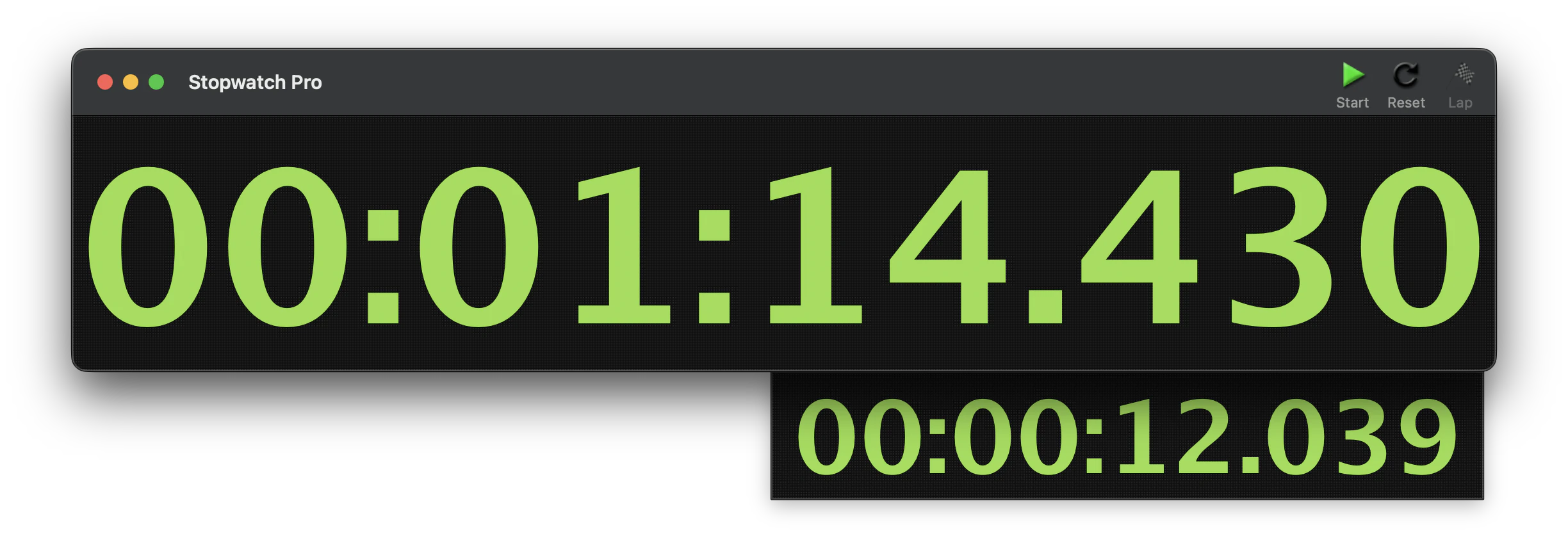
The digital view of Stopwatch Pro is highly customizable. It can be resized from very small to very large. You have full control of the font, font color, and background color. You can select from a variety of time formats, and the toolbar can be hidden if you wish.
The lap drawer at the bottom of the window shows the time since the last lap. This drawer can be shown or hidden by selecting Toggle Lap Drawer from the View menu.
The time format can be set by choosing one of the time format options in Settings, or directly from the Display Format submenu in the View menu. Changing the time format also affects the format displayed in the lap window, lap drawer, as well as the format used when printing or saving lap times to a file.
Available Time Formats
Eight built-in formats cover everything from a coarse minute count to millisecond precision:
| Pattern | Example | Description |
|---|---|---|
MM:SS | 01:14 | Minutes and seconds. |
MM:SS.s | 01:14.4 | Minutes, seconds, tenths. |
MM:SS.ss | 01:14.43 | Minutes, seconds, hundredths. |
MM:SS.sss | 01:14.430 | Minutes, seconds, milliseconds. |
HH:MM:SS | 00:01:14 | Hours, minutes, seconds. |
HH:MM:SS.s | 00:01:14.4 | Hours, minutes, seconds, tenths. |
HH:MM:SS.ss | 00:01:14.43 | Hours, minutes, seconds, hundredths. |
HH:MM:SS.sss | 00:01:14.430 | Hours, minutes, seconds, milliseconds. |
To change the font, select Show Fonts from the Font menu. Some fonts work better than others for this application; we recommend a bold, fixed-width font for best visibility.
The font color and background color can be changed by selecting Change Time Color or Change Background Color from the View menu. The macOS color picker also includes an opacity slider, so you can independently dial the digits and the background to any level of transparency, even fully invisible. These colors can also be set from the Settings window.
The timer window can be made less intrusive by hiding the toolbar, or going further by hiding the entire title bar so only the timer remains. Use the Hide Toolbar / Show Toolbar and Hide Title Bar / Show Title Bar items in the View menu. With both hidden and a transparent background, the timer becomes a minimal HUD that floats over your work. The stopwatch actions still function via hotkeys or the Control menu in this mode.
Still need help? Email [email protected] or send a message.